Blog ·
How to Turn On a Sparx Skate Sharpener
Find the Sparx Sharpener 3 power switch, understand what happens before sharpening starts, and troubleshoot a machine that will not power on.
To turn on a Sparx Sharpener 3, connect its correct power cord to the machine’s power input and a suitable wall outlet, then set the switch beside the input to I. The 0 position is off. Turning on the machine is separate from pressing Play to begin a sharpening. Source: ES300 setup manual.
Before the first power-on
Confirm the machine’s model and read its setup sequence. Remove the travel guard as instructed before operation, and check that the workspace is dry and unobstructed. Use the supplied or explicitly compatible cord.
Generation matters when replacing a missing cord. Sparx’s ES200/ES300 power cord listing says that cord is not compatible with the first-generation ES100. A familiar connector shape is not sufficient reason to assume that a replacement is appropriate.
Power-on does not mean ready to sharpen
Allow the machine to complete its startup behavior and read any displayed message. Before running a skate, confirm the proper ring, blade setup, alignment, contact position, and selected cycle count. The Play control starts the sharpening task; the power switch supplies the machine’s power.
For a machine that has just arrived or has been transported, use the setup guide. A quick power test does not replace the checks required before the first blade is sharpened.
If nothing happens when you switch it on
Work through the simple external causes first:
- Check that the cord is seated at both ends and the switch is at I.
- Confirm that the outlet has power and that any ordinary outlet control is on.
- Inspect the accessible cord for visible damage without opening the machine.
- Confirm that the cord is approved for that model.
If the outlet works and the correct undamaged cord is properly connected, record what happens and contact Sparx support. Include the machine model, any visible display activity, and whether the problem began after travel or a previous error.
Do not repeatedly toggle the switch in an attempt to make an unexplained electrical fault disappear. Internal repairs should follow the manufacturer’s service route.
If it powers on but will not sharpen
A powered display with an alert is a different problem from a machine receiving no power. Write down the exact alert code and use the matching troubleshooting instruction. A missing or unsupported ring, an incomplete setup, and a hardware problem require different responses.
Avoid pressing controls at random or changing alignment to clear an unrelated message. Describe the actual symptom: no lights, display on with an alert, motor starting then stopping, or normal startup but no sharpening. That description helps narrow the cause.
Once the machine is operating normally, continue with how to use a Sparx sharpener. If it runs but the finished blade is uneven, use the alignment guide, because that is a separate question from turning the power on.
— You might like
Featured products from this guide
-
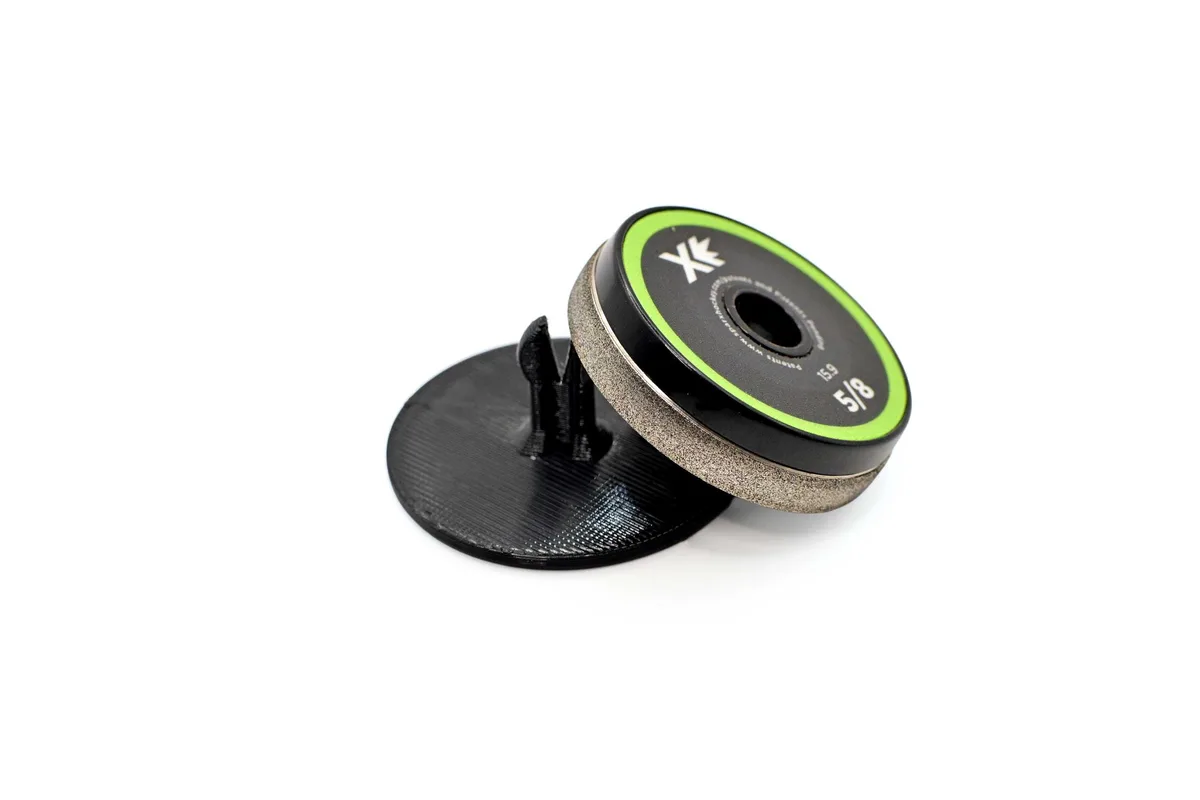 Accessories
SPARX Hockey Grinding Ring Islands in Matte Black: Precision Skate Sharpener Organization for Players
5.0(3)$24.99 -
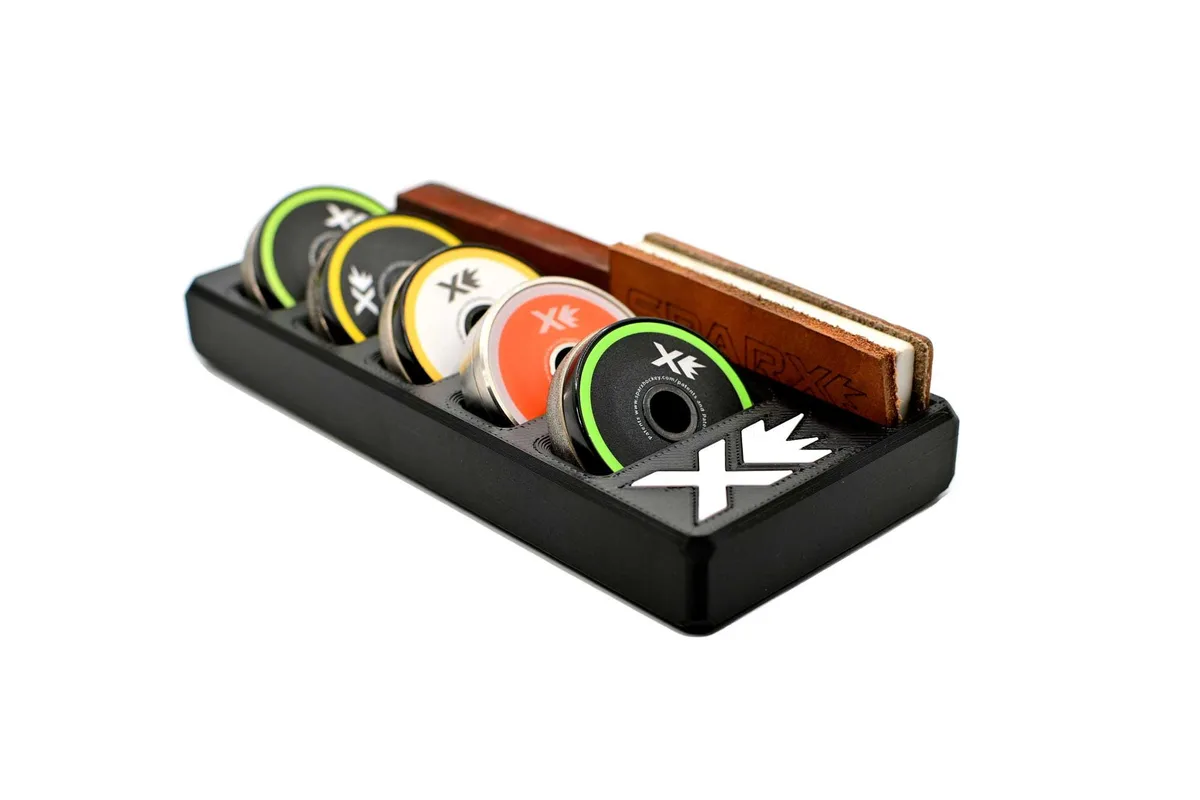 Accessories
Sparx Grinding Ring Organizer and Compact Skate Sharpener Accessory
4.9(11)$39.99 -
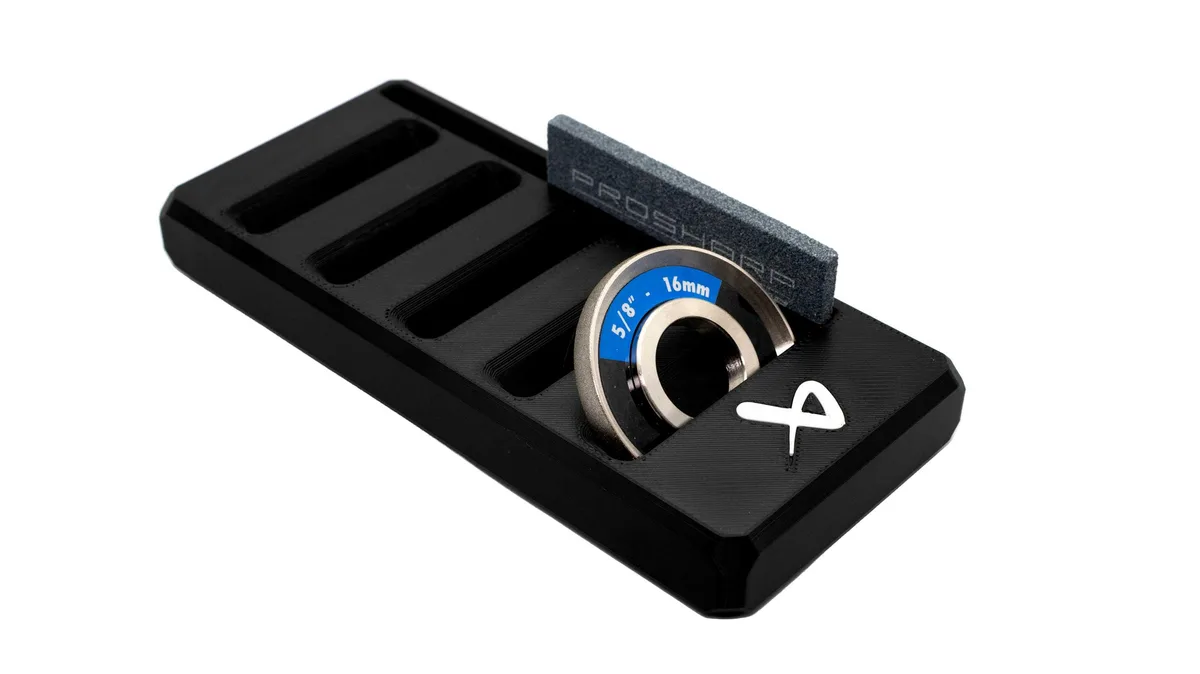 Accessories
Bauer Prosharp Grinding Wheel Organizer and Compact Skate Sharpener Accessory
5.0(2)$39.99