Blog ·
How to Turn On the Head-Up Display in a GMC Sierra
Turn on and adjust your GMC Sierra head-up display, check whether your truck has HUD, and troubleshoot a faint, missing, or poorly positioned image.
To turn on the head-up display in an equipped GMC Sierra, switch the vehicle on and raise the HUD brightness from its off position using the HUD controls. Adjust the image height while sitting in your normal driving position. If your truck uses a menu-based HUD control, look for Settings → Display → Head-Up Display instead.
The exact control layout varies. HUD is optional equipment on some configurations, so first confirm that your truck actually has it. A digital instrument cluster does not necessarily mean it has a windshield display.
Turn on and position the HUD
Park before making adjustments. For a Sierra with physical windshield-HUD controls:
- Set your seat to its normal driving position.
- Locate the HUD controls near the steering wheel.
- Increase HUD brightness until the image is visible.
- Raise or lower the image with the height control.
- Use the information or view control, if fitted, to choose the display page.
On menu-controlled systems, enable the HUD in the display settings and adjust the available controls there. GMC explains that turning brightness fully down can switch off a windshield-projection HUD. The vehicle’s manual determines which controls apply. Source: GMC head-up display instructions.
How to confirm your Sierra has a head-up display
Look at the truck’s original equipment information or ask a dealer to confirm its build using the VIN. Search for “Head-Up Display” rather than assuming the feature comes with every Denali or AT4.
The feature projects information onto the windshield. It is separate from the center touchscreen and the instrument display behind the steering wheel. GMC lists a windshield-projection HUD among the available Sierra Denali features, but availability on a model page does not prove an individual truck was ordered with it. Source: GMC Sierra Denali technology overview.
If you cannot find a projector opening, physical controls, or an applicable setting, verify the build before troubleshooting a supposed fault. A menu selection cannot add missing HUD hardware.
What to check when the image is missing
Use a simple diagnostic sequence rather than changing every setting at once.
First, test your viewing position. Sit normally and adjust height slowly. If the image appears only when you lean or move your head, its position may be the issue.
Next, compare brightness in different conditions. An image that is visible in shade but difficult to see in direct light behaves differently from a display that never appears. Note those conditions for a service visit.
Then test without sunglasses. This is a quick way to separate a visibility problem from an apparent electronics failure. Also check that papers, accessories, or a dashboard mat are not covering the projector area.
Finally, consider recent changes. If the problem began after a windshield replacement, tell the glass installer and service technician. If it began after electrical work, provide the date and describe whether other settings or displays also changed.
Keep the glass and projector area clean using the methods permitted in the owner’s manual. Avoid spraying liquid into dashboard openings.
Why the HUD and center screen need different troubleshooting
A working center touchscreen does not prove the HUD is functioning, and a HUD problem is not automatically fixed by resetting the radio. Record which displays are affected before trying a reset.
If only the windshield image is missing, begin with equipment, brightness, and position. If several displays or electrical systems behave abnormally, describe the broader symptoms to a technician.
Frequently asked questions
Can I add HUD by activating a hidden setting?
No. A factory-style retrofit requires compatible hardware and integration. Confirm what your truck contains before purchasing parts or software services.
Why did the HUD seem to disappear after someone else drove?
Seat and display adjustments are worth checking first. A position suitable for another driver may be outside your comfortable line of sight.
What should I tell the dealer if it still will not work?
Provide model year, whether HUD previously worked, lighting conditions, recent windshield or electrical work, and whether the center screen and instrument cluster operate normally. That is more useful than simply reporting “the screen is broken.”
Related: how to reset the Sierra center screen.
— You might like
Featured products from this guide
-
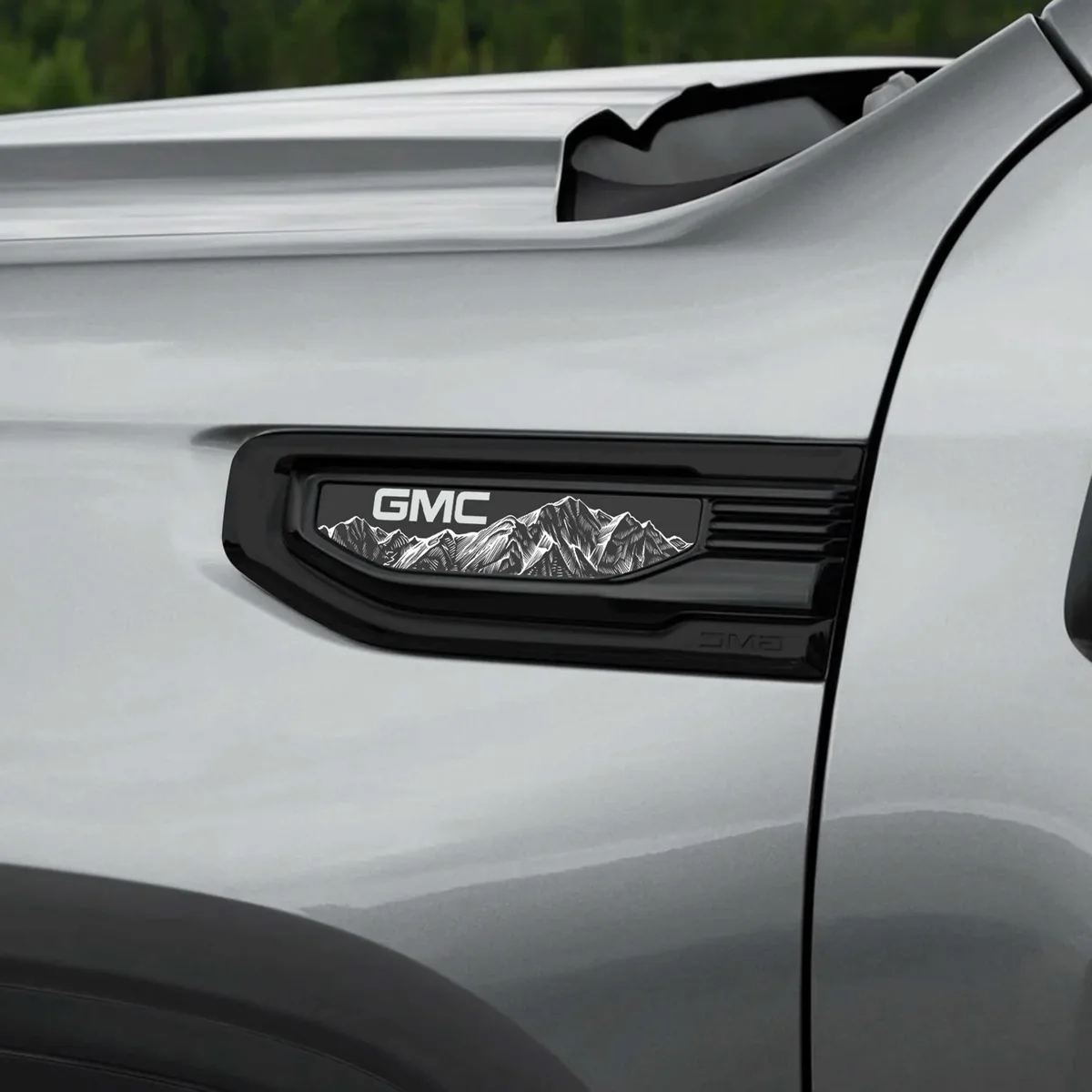 ★ Best seller Accessories
2020-2026 GMC Sierra 1500 Fender Vent Emblem Overlay Pair
5.0(13)from$39.99 -
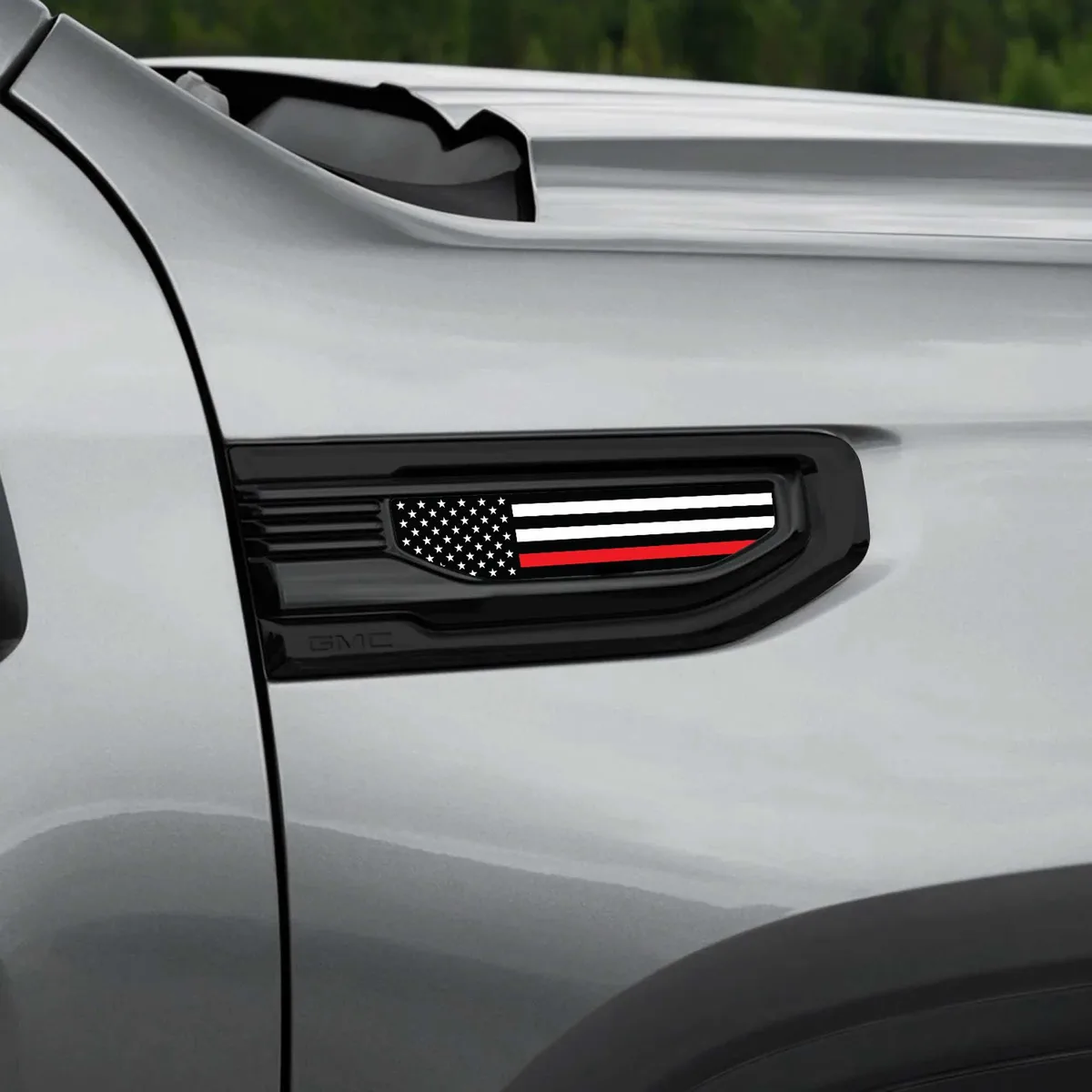 Accessories
American Flag GMC Sierra Fender Vent Emblem Overlay Pair
5.0(2)from$34.99 -
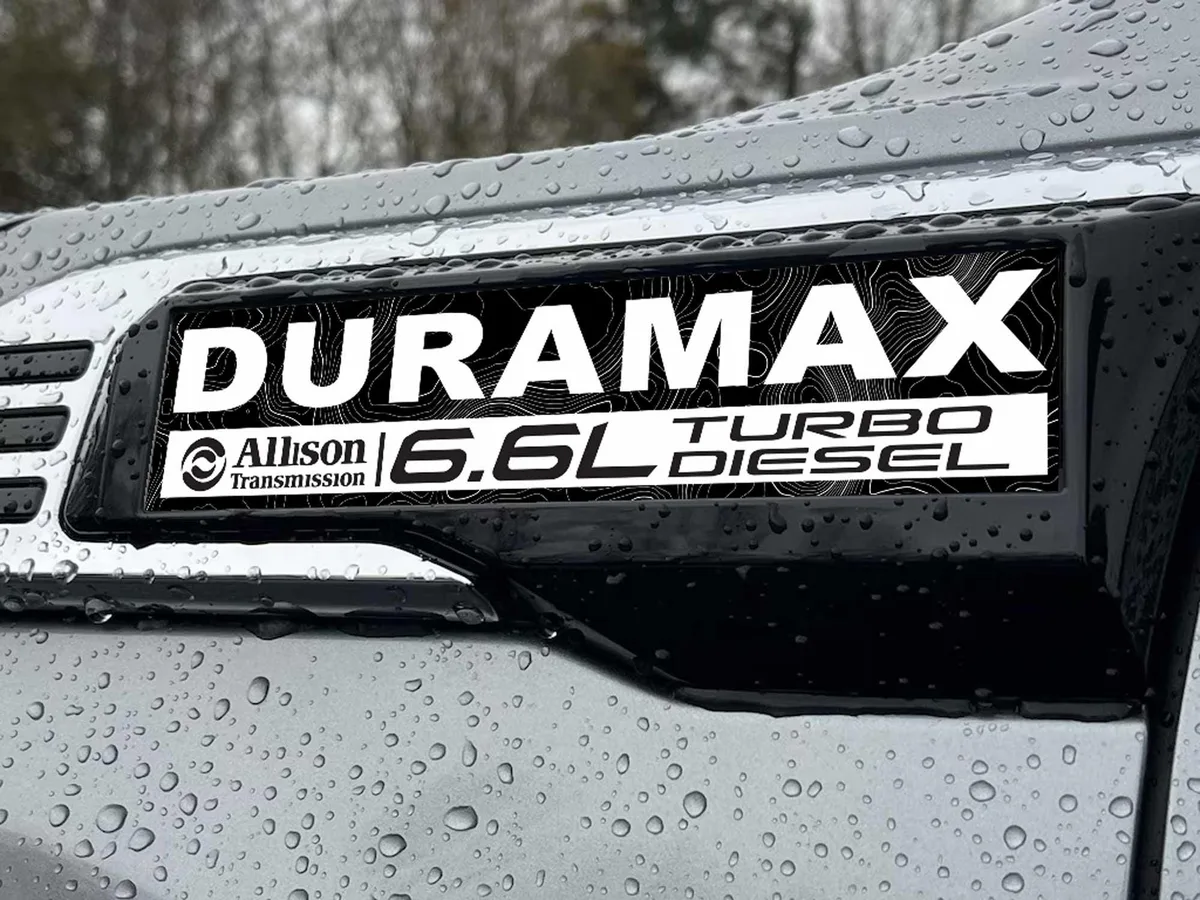 ★ Best seller Accessories
2020-2026 GMC Sierra 2500/3500 Duramax Fender Emblem Insert Overlay Set of 2
from$39.99