Blog ·
Can You Permanently Turn Off Auto Stop on a GMC Sierra?
Understand the GMC Sierra factory stop/start button, why it resets, what aftermarket memory modules do, and how to check compatibility before installation.
On GMC Sierras equipped with the usual factory stop/start disable button, turning Auto Stop off normally lasts for the current ignition cycle. It is enabled again after the next start. GMC’s published instructions do not provide a universal permanent-off setting. An aftermarket memory module may restore your preferred setting automatically, but compatibility must be checked for the exact truck. Source: GMC stop/start instructions.
The first decision is whether you want to use the factory control each trip or install compatible aftermarket hardware. Do not confuse either approach with a fault that causes the engine to stall.
Turn off Auto Stop for the current trip
If the truck has a stop/start deactivation switch, start the vehicle normally and press that switch. It is commonly identified by an A surrounded by a circular arrow. Confirm the disabled state using the indicator behavior described in your manual.
GMC explains that the system is off when the switch’s LED is not illuminated on the systems covered by its instructions. It is re-enabled on the next start. Button layout and equipment vary, so check your Sierra owner’s manual when the controls differ.
This is the built-in method for choosing not to use stop/start during a trip. It does not require changing wiring, removing a fuse, or modifying engine software.
What does “permanently off” mean with a memory module?
A memory device can remember or restore the driver’s stop/start preference at subsequent ignition cycles. That is different from physically removing the stop/start system or permanently rewriting its calibration.
For example, TRL Automotive describes its Sierra Autostop Eliminator as a device connected at the stop/start switch assembly that restores the selected preference. Its product page distinguishes this from disabling Active Fuel Management. Those are manufacturer descriptions, not an independent test or a GMC endorsement. Source: Sierra Autostop Eliminator product information.
Check the individual product page carefully. Collection headings, older descriptions, and selected variants can list different year ranges. The part number and installation instructions for your exact application should control the purchase.
Compatibility questions to answer before installing
| Check | Why it matters |
|---|---|
| Model year and series | Sierra 1500, HD, and EV are not interchangeable applications |
| Body and interior version | Carryover and refreshed trucks may use different connections |
| Existing stop/start equipment | There must be a supported factory system to control |
| Connector and part number | Similar-looking products can have different applications |
| Installation procedure | Determines trim removal and electrical precautions |
| Factory-button operation afterward | You may still want to re-enable the feature |
| Removal and support policy | Useful if the device causes an issue or the truck is serviced |
Ask the manufacturer to resolve ambiguous fitment before purchase. Do not accept “fits GMC trucks” as a complete compatibility statement.
A sensible installation process
If you choose a compatible module, first read its full instructions and confirm that they match your dashboard and connector. Follow the specified shutdown and electrical precautions, install only at the stated connection, and secure the device and harness clear of moving components.
After installation, check normal startup, warning indicators, factory-button operation, and behavior across more than one ignition cycle. Follow the manufacturer’s verification procedure. If the vehicle develops abnormal behavior, stop the installation process and seek support rather than adding further workarounds.
Do not treat a seller’s blanket warranty or compliance statement as proof about every repair claim or jurisdiction. Review the exact product documentation and your vehicle’s applicable terms before modifying it.
Avoid improvised bypasses
Do not leave the hood unlatched or interfere with the hood-status circuit to inhibit stop/start. Likewise, disconnecting battery-monitoring components or pulling unrelated fuses can interfere with systems that need those signals.
A driving mode that happens to suppress Auto Stop under certain conditions is not a permanent setting. Choosing an unsuitable mode solely to prevent shutdown can change other vehicle behavior.
If the truck stops unexpectedly, struggles to restart, or shows warnings, diagnose that fault. A preference-restoring module is not a repair for a failing battery, connection, or starting system.
Auto Stop is different from AFM and DFM
Auto Stop shuts the engine down under eligible stationary conditions and restarts it as required. Active Fuel Management and Dynamic Fuel Management concern cylinder operation while the engine runs. A product intended for one function should not be assumed to control the other.
Similarly, automatic engine shutdown after prolonged idling is a separate behavior. Identify which feature is bothering you before buying hardware.
Frequently asked questions
Can a dealer enable a permanent-off menu setting?
Do not assume one exists. Ask about your exact VIN and approved configuration; the published factory guidance describes a per-ignition-cycle switch.
Is something wrong if Auto Stop does not activate?
Not necessarily. Operating conditions and system demands can inhibit it. If there are warning messages or poor starting, have the truck checked.
Does a memory module remove stop/start hardware?
A switch-based preference module is intended to restore a setting, not remove the factory starting system. Verify how the particular product works.
Related: Sierra battery selection and remote-start operation.
— You might like
Featured products from this guide
-
 ★ Best seller Accessories
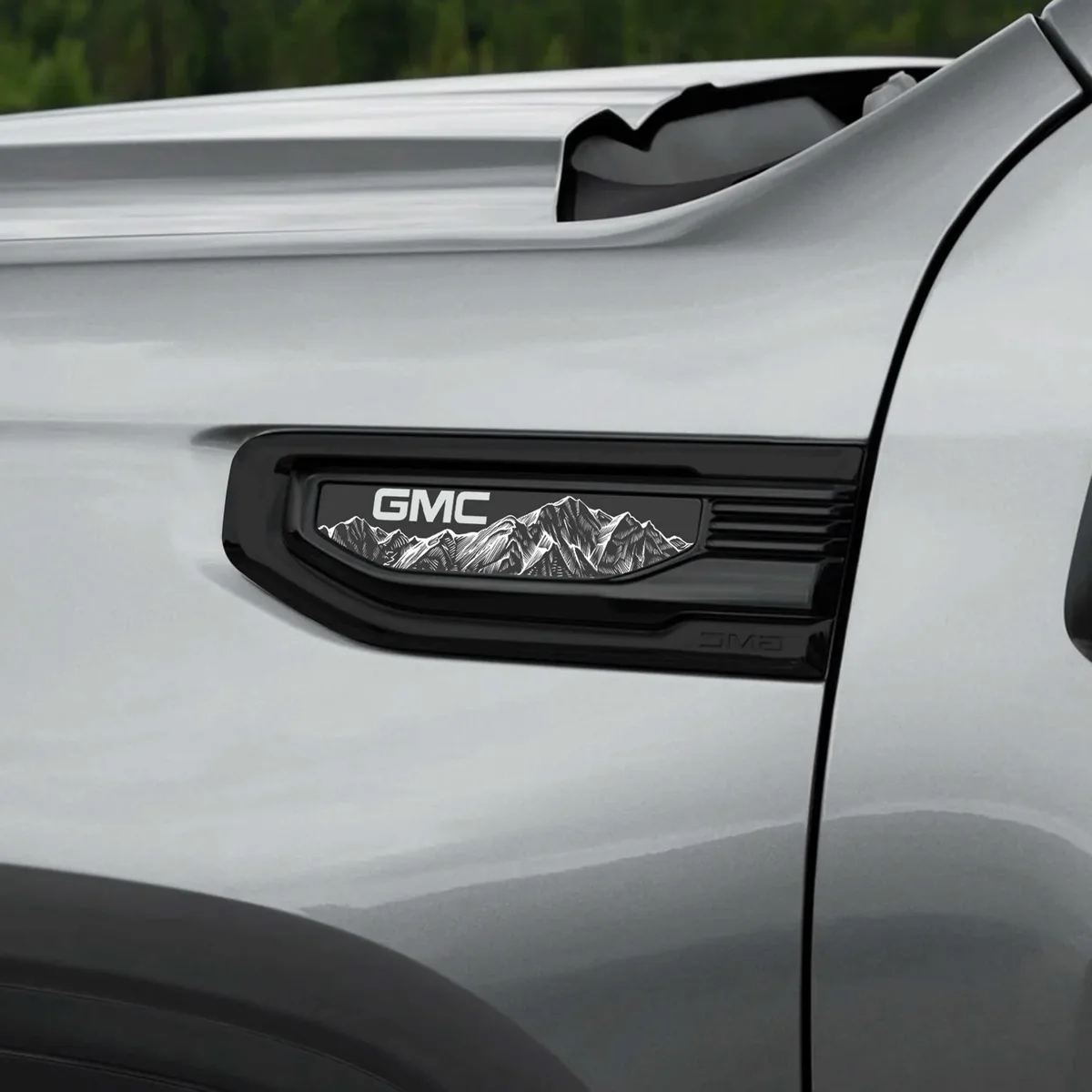
2020-2026 GMC Sierra 1500 Fender Vent Emblem Overlay Pair
5.0(13)from$39.99 -
 Accessories
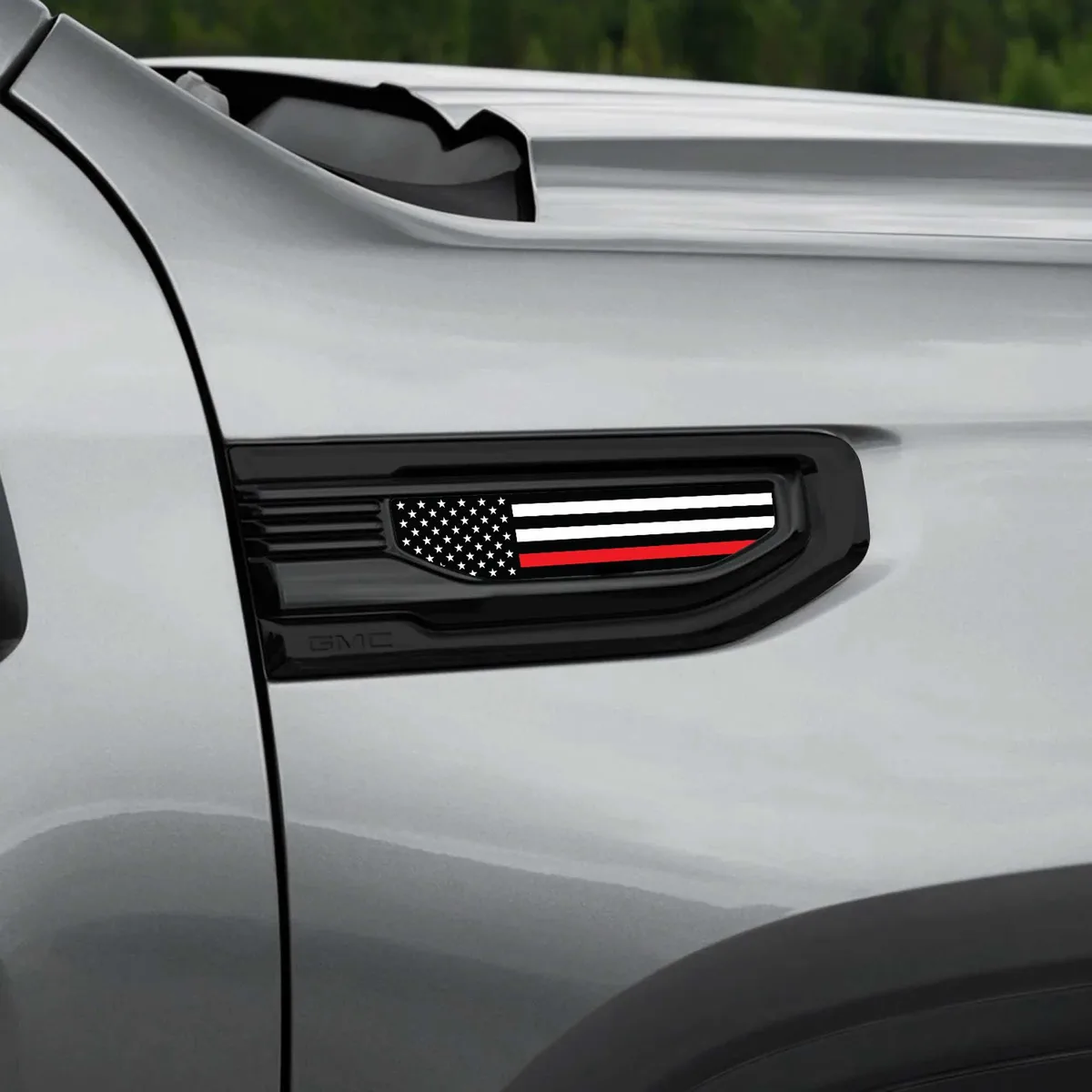
American Flag GMC Sierra Fender Vent Emblem Overlay Pair
5.0(2)from$34.99 -
 ★ Best seller Accessories
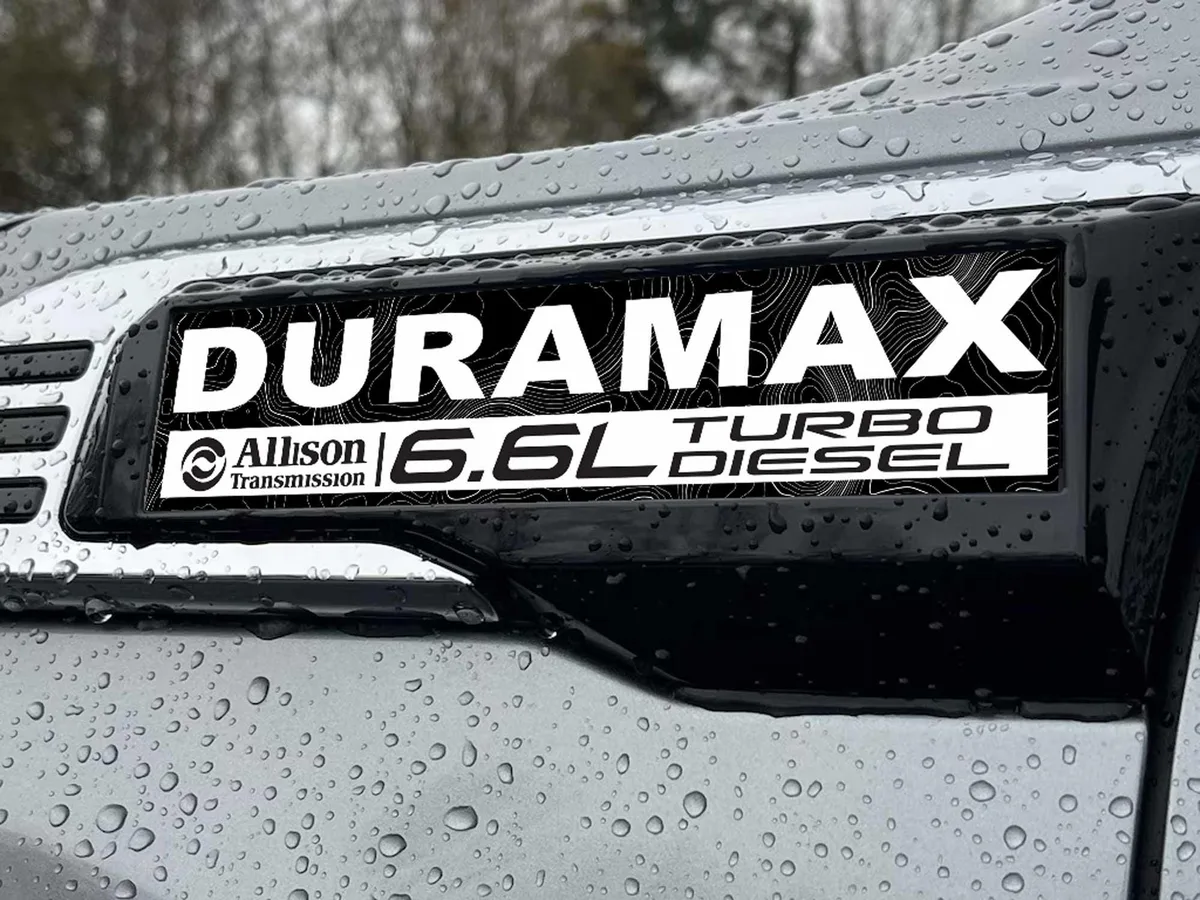
2020-2026 GMC Sierra 2500/3500 Duramax Fender Emblem Insert Overlay Set of 2
from$39.99